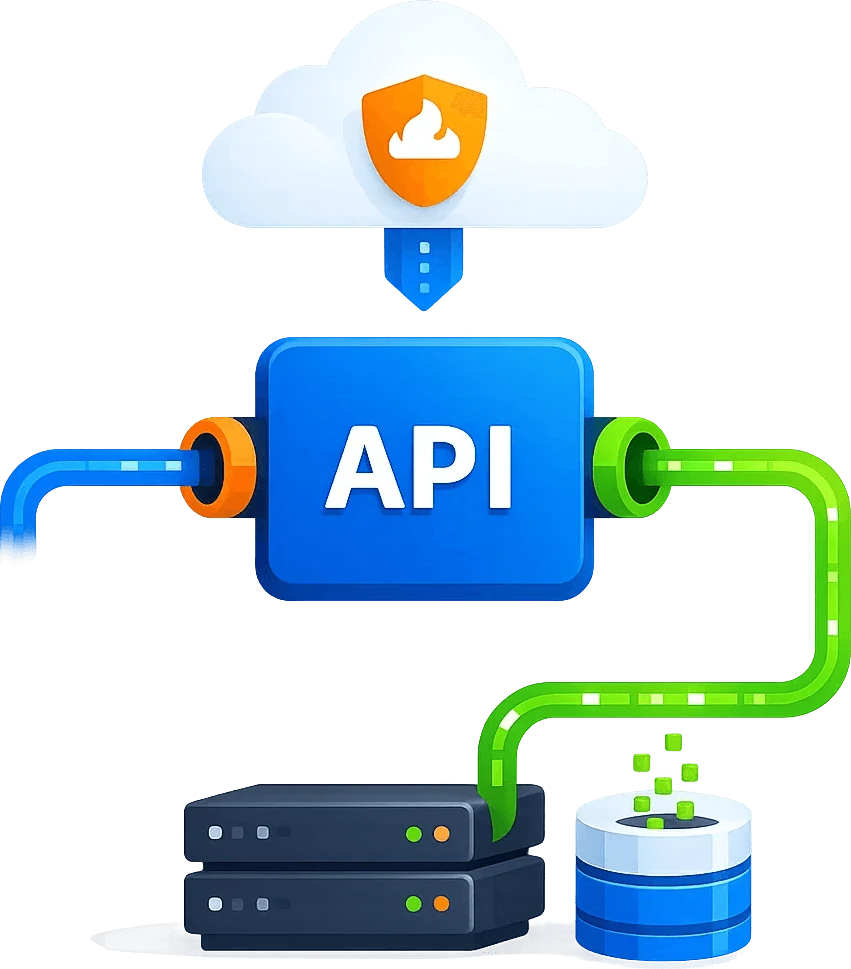
OSINT and Social Listening Data API
Choose an integration
The API handles HTTP requests and responses. Browser rendering, screenshots, extraction, pagination and storage belong to your own tools or project workflow.
Prepare the runtime
Keep tool approvals enabled. Never put credentials in chat or browser code.
Inspect the response
Inspect x-cb-status, HTTP status and actual business content after the request.
- Trigger
- HTTP request
- Validate response
- Save content
- source_url
- —
- title
- —
- published_at
- —
Example not executed. Configure credentials and an authorized target first.
Inspect x-cb-status, HTTP status and actual business content after the request.Cloudflare challenge handling
Provide stable public web inputs for OSINT, social listening and risk intelligence
OSINT, brand protection, compliance and risk intelligence teams need public web signals from news, forums, social pages, review sites and overseas sources. Scrapingbypass helps collect those pages with controlled geo access, dynamic rendering, screenshots, Markdown, JSON and logs.
Configure sessions for the task
Check the region, proxy IP and request settings, and keep the session consistent with the target’s requirements.
Validate the response
Check both the status code and response body before passing the result to your existing parser.
Challenge handling
Keep Cloudflare handling and supported DataDome workflows in one access layer, with clear failure diagnostics.
IP rotation and sessions
Use rotating residential or datacenter IPs, sticky sessions and bounded retries for ongoing monitoring.
Regional access
Choose proxy locations by country, city and task.
Status logs and compliance
Keep status codes, screenshots and failure details for auditing.
Cloudflare / Turnstile / WAF
Resolve Cloudflare and DataDome access states before analyzing source signals
Build reliable access to news, forums, public social pages and risk sources to reduce downstream model and report failures.
STEP 01
Multi-source monitoring
Cover news, forums, public social pages, short video pages and overseas sites.
STEP 02
Challenge handling
Separate Cloudflare and DataDome verification states from real source changes, with regional context and explicit access diagnostics.
STEP 03
Region and language
Observe content differences, search results and page display by country and language.
STEP 04
Risk alerts
Keep screenshots, status and logs for risk review and report evidence chains.
Use Cases
Typical applications for OSINT and Social Listening Data API
For brand monitoring, security research, risk intelligence, overseas social listening and trend analysis teams, covering business scenarios from one-off access to long-term monitoring.
News and forum monitoring
Build stable access, geo verification, screenshot evidence and structured results around News and forum monitoring, reducing manual checks and duplicate script maintenance.
Brand sentiment monitoring
Build stable access, geo verification, screenshot evidence and structured results around Brand sentiment monitoring, reducing manual checks and duplicate script maintenance.
Risk intelligence collection
Build stable access, geo verification, screenshot evidence and structured results around Risk intelligence collection, reducing manual checks and duplicate script maintenance.
Social trend watching
Build stable access, geo verification, screenshot evidence and structured results around Social trend watching, reducing manual checks and duplicate script maintenance.
Multilingual and multi-region monitoring
Build stable access, geo verification, screenshot evidence and structured results around Multilingual and multi-region monitoring, reducing manual checks and duplicate script maintenance.

Implementation steps
Connect the Scrapingbypass access layer in 4 steps
Start with one high-value page or task, validate access, then expand into scheduled workflows.
01. Define the access target
Confirm URL, region, frequency, output format and business boundary.
02. Choose an access strategy
Select API, rendering, screenshots, dynamic IP, sticky session or retry strategy. Cloudflare and DataDome share the same API integration logic and request code.
03. Connect business systems
Send results to crawlers, AI agents, workflows, QA or internal monitoring systems. Integrate your tested request code into the application. Cloudflare and DataDome share the same API integration and call pattern. Validate response status and content before parsing, pagination or automation.
04. Review and optimize
Track status codes, failure reasons, screenshots and logs to keep access stable. Cloudflare and DataDome share one API credit balance, consumption rules and pricing. Choose a plan based on your usage; proxy traffic is billed separately.
FAQ
Common questions
How is this different from a normal proxy?
A normal proxy mainly provides an exit. Scrapingbypass focuses on the full access workflow: regional environment, dynamic pages, challenge handling, screenshots, structured output, retries and logs.
Is it suitable for non-developers and AI coding users?
Yes. Teams can build the business logic with templates, workflow tools or AI-generated code, then hand protected web access to the Scrapingbypass API.
How should compliance risk be controlled?
Use it for public data, authorized data and legitimate business workflows. Add domain allowlists, rate limits, task logs and human review where needed.