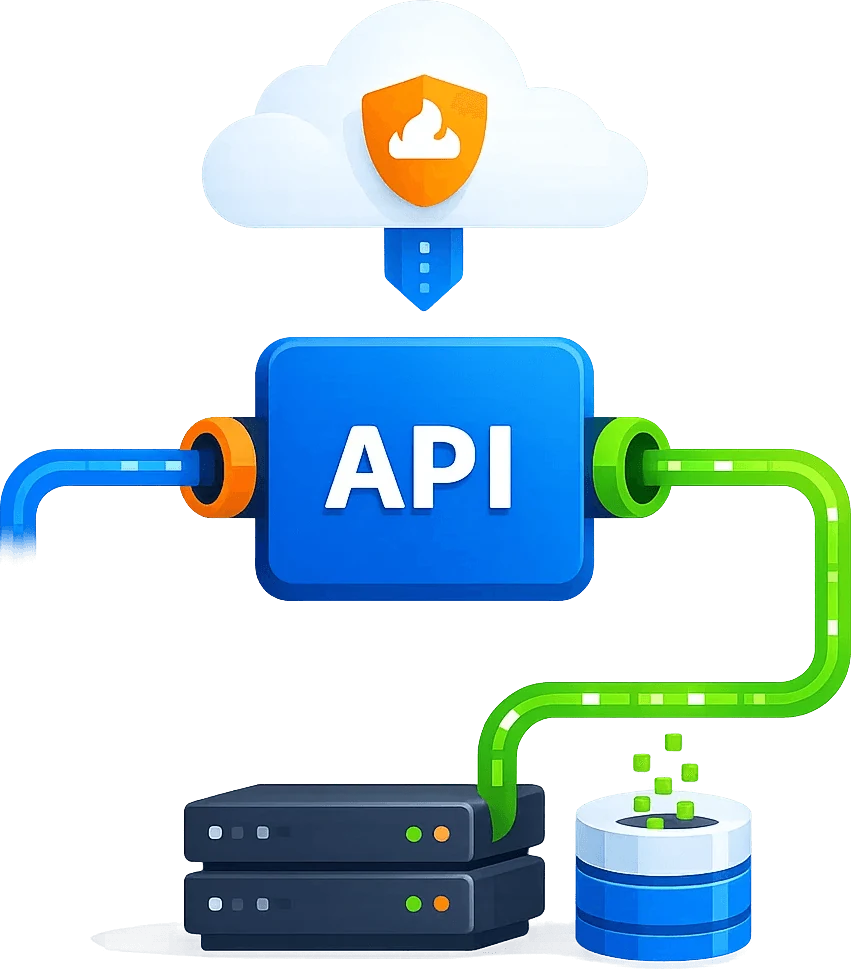

Why Scrapingbypass
Reliably fetch webpages and documents before retrieval and generation
Build RAG knowledge bases from readable source pages, not verification screens. Scrapingbypass combines regional access, rendering, Markdown, JSON metadata, screenshots and logs for traceable ingestion. Pair Cloudflare challenge handling with DataDome CAPTCHA response validation so supported protected pages can enter the same fetch-and-validate pipeline before indexing.
Keep source context visible
Store URL, region, status code, screenshot and timestamp details so downstream AI systems can explain where answers came from and when the page was fetched.
Solution 2: proxy and session strategy
Choose dynamic residential IP, dynamic datacenter IP, rotation or sticky sessions by task type for long-term monitoring, multi-region verification and project isolation.
Cloudflare challenge handling
Reliably fetch webpages and documents before retrieval and generation
RAG systems depend on clean, current and traceable source content. Scrapingbypass helps AI search and knowledge-base teams fetch webpages, announcements, documentation and public documents with dynamic rendering, Markdown output, JSON metadata, screenshots and access logs.
Challenge pass stability 95%
Access-layer maintenance reduction 80%
Challenge handling
Keep Cloudflare handling and supported DataDome workflows in one access layer, with clear failure diagnostics.
IP rotation and sessions
Use rotating residential or datacenter IPs, sticky sessions and bounded retries for ongoing monitoring.
Regional access
Choose proxy locations by country, city and task.
Status logs and compliance
Keep status codes, screenshots and failure details for auditing.
Cloudflare / Turnstile / WAF
Handle Cloudflare and supported DataDome targets before RAG ingestion
Fetch webpages, documents and announcements reliably before cleaning, chunking, embedding and indexing.
STEP 01
Web to content
Convert dynamic pages into HTML, Markdown or structured JSON.
STEP 02
Challenge handling
Handle Cloudflare verification and supported DataDome targets before tool calls return content; preserve diagnostics when access fails.
STEP 03
Ingestion bridge
Return content formats suitable for cleaning, chunking, summarization and vectorization.
STEP 04
Update monitoring
Record source status, change screenshots and failure logs for continuous updates.

Use Cases
Typical applications for RAG Web Ingestion API
For AI search, enterprise knowledge bases, research assistants, industry databases and ingestion systems, covering business scenarios from one-off access to long-term monitoring.
AI search engines
Build stable access, geo verification, screenshot evidence and structured results around AI search engines, reducing manual checks and duplicate script maintenance.
Enterprise knowledge bases
Build stable access, geo verification, screenshot evidence and structured results around Enterprise knowledge bases, reducing manual checks and duplicate script maintenance.
Research, medical and legal assistants
Build stable access, geo verification, screenshot evidence and structured results around Research, medical and legal assistants, reducing manual checks and duplicate script maintenance.
Industry report generation
Build stable access, geo verification, screenshot evidence and structured results around Industry report generation, reducing manual checks and duplicate script maintenance.
Page change monitoring
Build stable access, geo verification, screenshot evidence and structured results around Page change monitoring, reducing manual checks and duplicate script maintenance.

Implementation steps
Connect the Scrapingbypass access layer in 4 steps
Start with one high-value page or task, validate access, then expand into scheduled workflows.
01. Define the access target
Confirm URL, region, frequency, output format and business boundary.
02. Choose an access strategy
Select API, rendering, screenshots, dynamic IP, sticky session or retry strategy.
03. Connect business systems
Send results to crawlers, AI agents, workflows, QA or internal monitoring systems.
04. Review and optimize
Track status codes, failure reasons, screenshots and logs to keep access stable.
FAQ
Common questions
How is this different from a normal proxy?
A normal proxy mainly provides an exit. Scrapingbypass focuses on the full access workflow: regional environment, dynamic pages, challenge handling, screenshots, structured output, retries and logs.
Is it suitable for non-developers and AI coding users?
Yes. Teams can build the business logic with templates, workflow tools or AI-generated code, then hand protected web access to the Scrapingbypass API.
How should compliance risk be controlled?
Use it for public data, authorized data and legitimate business workflows. Add domain allowlists, rate limits, task logs and human review where needed.