

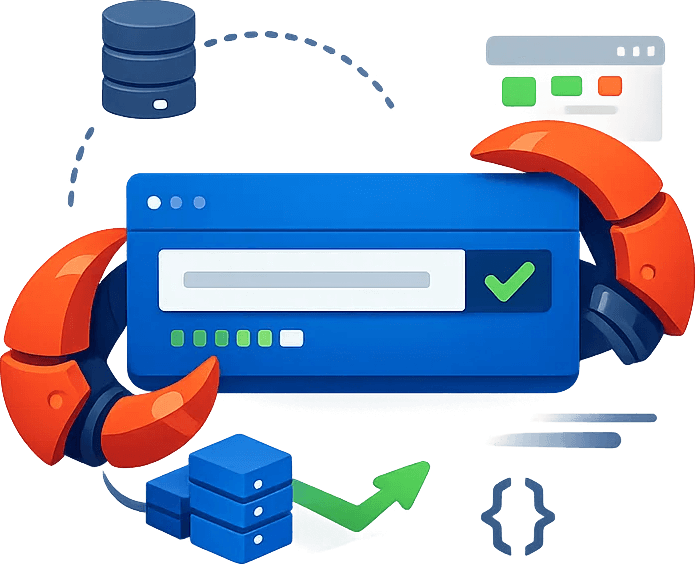
OpenClaw Cloudbypass integration solution
Cloudbypass V2 / V2S sticky proxy support

Add Cloudflare, Turnstile, and sticky-session handling to OpenClaw agent workflows.

Install the official Cloudbypass Skill in OpenClaw, configure your API key and proxy, and let agents request protected pages through Scrapingbypass. The V2 sticky proxy strategy keeps challenge solving and later data requests on the same route, improving stability for AI scraping tasks.

Option 1: API-Based Integration (Standard Setup)

Use this when OpenClaw already runs in your stack. Set CLOUDBYPASS_APIKEY and CLOUDBYPASS_PROXY, then follow the API quick reference to choose V1, V2, V2S, and optional headers.

Option 2: Skill Middleware Integration (Fast Deployment)

Use this for faster rollout. The ClawHub.ai Skill adds Scrapingbypass challenge handling to OpenClaw with npx zero-install support and one-command global setup.

 Get the ClawHub Skill  Integration Docs  Contact Us
Quick Install (QUICK INSTALL)

# Method A: Run the package with npx, no install needed

npx clawhub install cloudbypass

# Method B: Install the Skill middleware globally

clawhub install cloudbypass

# Set the core environment variables

CLOUDBYPASS_APIKEY="cb_******" CLOUDBYPASS_PROXY="sticky proxy address"

# Runtime status

OK Cloudbypass Skill: Ready to Fetch [Eligible]

Core Integration Benefits

Turn OpenClaw agents into reliable protected-site collectors

AI agents are useful only when they can reach the page, keep the session alive, and return clean content. Scrapingbypass gives OpenClaw a reusable access layer for Cloudflare JS Challenge, Turnstile, TLS fingerprint checks, sticky proxies, and high-concurrency data extraction.

Task Success Rate (V2 Strategy) 99%
Faster Integration Deployment 85%

One-Click Skill Install

Install through npx or clawhub and connect the Skill to your agent runtime quickly.

Real Fingerprint Matching

Match TLS JA3/JA4 and browser-like request traits to reduce detection mismatches.

Sticky Session Logic

Keep proxy IP, challenge result, and follow-up requests aligned for V2/V2S flows.

Ongoing Strategy Sync

Stay aligned with current Scrapingbypass strategy guidance and API behavior.

Core Capabilities

Why use Scrapingbypass inside OpenClaw?

Combine AI task planning with a dedicated anti-bot access layer, so agents can focus on extraction logic instead of challenge recovery.

Fast Integration

Install through ClawHub without writing low-level WAF, proxy, or fingerprint code.

Sticky Proxy Strategy

Use sticky proxies to keep the challenge IP and later scraping requests on the same route.

Unified Variable Control

Manage API key and proxy values in one place for local testing and production rollout.

High-Availability Access

Support JS Challenge and Turnstile handling for scheduled agents and 24/7 data jobs.

AI automation and web access scenario hub
Use Cases

AI automation and web access scenario hub

From OpenClaw integration to AI Agent, MCP, Cursor, Playwright, RAG, competitor monitoring and global QA, choose the right Scrapingbypass path by business scenario.

Decision

API vs Proxy Decision Guide

Choose the right access method by page complexity, geo exit, session control, screenshots, concurrency, and cost.

View Solution
Debug

Error Code Center

Troubleshoot 403, 503, timeouts, region mismatch, challenge failures, insufficient balance, and proxy errors.

View Solution
Cost

API and Proxy Cost Calculator

Estimate API credits and proxy traffic by daily URLs, page size, target countries, JS rendering, screenshots, and retry ratio.

View Solution
SERP

SERP Geo Monitoring API

Collect multi-country search results, track rankings, verify ads, and keep screenshot evidence for SEO and brand monitoring.

View Solution
Agent

AI Agent Web Access API

Provide AI browsers, research assistants and automation agents with page fetch, screenshots, geo access and structured returns.

View Solution
MCP

MCP Web Fetch Server

Wrap Scrapingbypass web access as MCP tools for Cursor, Claude, Codex and internal agents.

View Solution
AI Coding

Cursor scraper 403 handling

Connect Cursor-generated collection scripts to a stable access layer to reduce 403, geo differences and dynamic page failures.

View Solution
Browser

Playwright Proxy API

Provide proxy, region, session and challenge handling for Playwright/Puppeteer automation tasks.

View Solution
RAG

RAG Web Ingestion

Reliably fetch webpages, announcements, documents and dynamic pages for AI search, knowledge bases and research assistants.

View Solution
Growth

AI competitor and price monitoring

For product, operations and growth teams to monitor competitor prices, stock, website changes and ad landing pages.

View Solution
Web3

Web3 crypto data monitoring

Monitor exchange announcements, ETF pages, project sites, DID/NFT markets, news and social trends.

View Solution
OSINT

OSINT and social listening data

Provide stable data entrances for news, forums, social pages, risk intelligence and overseas sentiment systems.

View Solution
Lead Research

AI sales leads and export prospecting

Reliably access company websites, directories, trade show lists, news and hiring pages for AI customer research.

View Solution
Global QA

Global QA and geo testing

Verify availability, price, language, currency, ad redirects, CDN/WAF status and screenshots from different countries.

View Solution
data extraction steps
OpenClaw integration flow diagram
Data extraction setup steps

Connect OpenClaw to Scrapingbypass in four steps

Use this setup flow to give OpenClaw agents API credentials, proxy routing, version strategy, and validation before production scraping.

01.Install the Cloudbypass Skill

Deploy the Skill middleware in your OpenClaw environment through ClawHub. Recommended first:

npx clawhub install cloudbypass
or global install: clawhub install cloudbypass

02.Set environment variables

Configure credentials in your runtime. For V2 tasks, set a sticky proxy so challenge solving and later requests share the same route:

CLOUDBYPASS_APIKEY="cb_******"
CLOUDBYPASS_PROXY="sticky proxy address"

03.Choose proxy and version strategy

Decide whether the target needs rotating IPs, sticky IPs, V1, V2, or V2S. For V2, sticky proxies are strongly recommended.

04.Validate automated access

Check the official api-quick-reference.md, run target tests, and confirm the Skill can return usable content before scheduling production jobs.
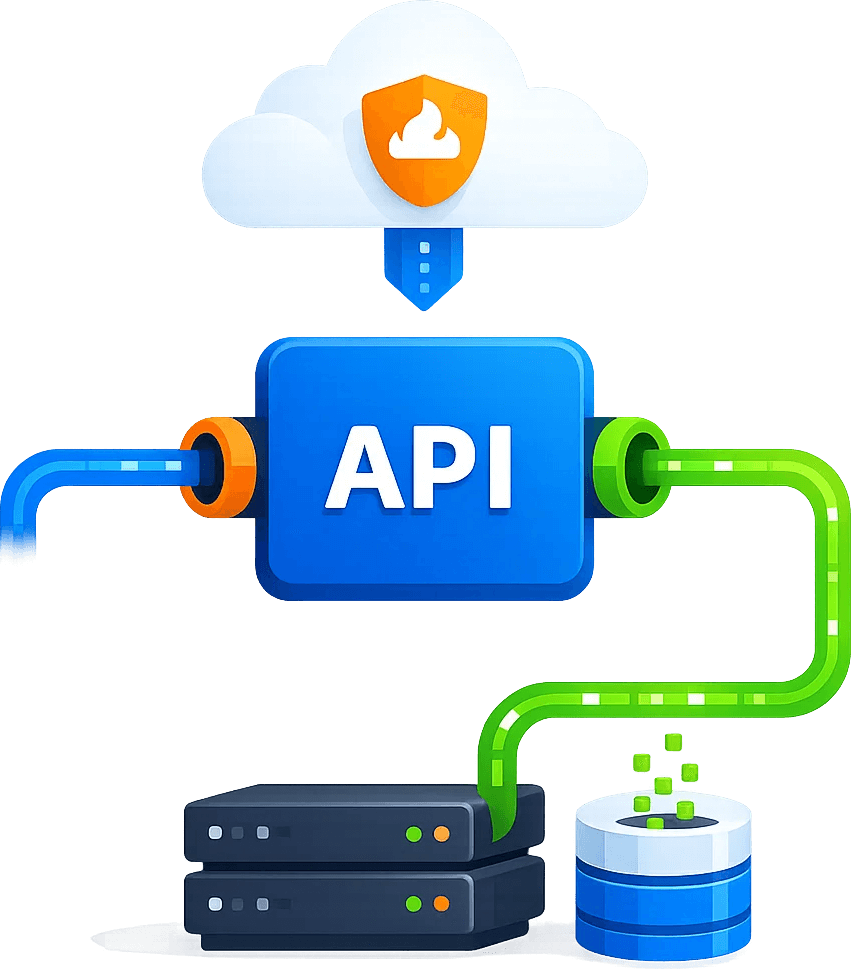
Agent-ready technical foundation

  • - Works with OpenClaw Skill logic for low-friction agent integration.
  • - Supports npx clawhub zero-install deployment.
  • - Standard header injection (x-cb-part, x-cb-sitekey) keeps challenge handling explicit.
  • - Built-in checks read APIKEY first and verify sticky proxy status.

Ready for scheduled production jobs

  • - Follows the API quick reference for current version strategy.
  • - Includes troubleshooting guidance for common V2 and proxy issues.
  • - Helps distributed AI scraping jobs keep stronger session consistency.
  • - Supports ClawHub updates to stay on the official stable Skill release.
FAQ

Common OpenClaw integration issues

Which command is recommended to install the Skill?

Start with npx clawhub install cloudbypass. It is lightweight, requires no global install, and helps you test the latest official Skill middleware quickly.

Yes. APIKEY identifies your Scrapingbypass account for every request. For V2 tasks that handle Turnstile or JS Challenge, configure a sticky proxy as well.

Cloudbypass V2 challenge results are often bound to the IP used during verification. Sticky proxy IPs keep the challenge request and later data requests on the same route, preserving session continuity and reducing WAF-triggered resets.

Scrapingbypass API technical integration FAQ
Trial Offer
+ 200 API Credits
+ Rotating Proxies
Claim Now ›