
You need a product page, but your collector receives a DataDome CAPTCHA instead. The immediate question is not which scraper has the longest feature list. It is whether the access step can return the specific content your application needs, under the permissions and conditions of your target.
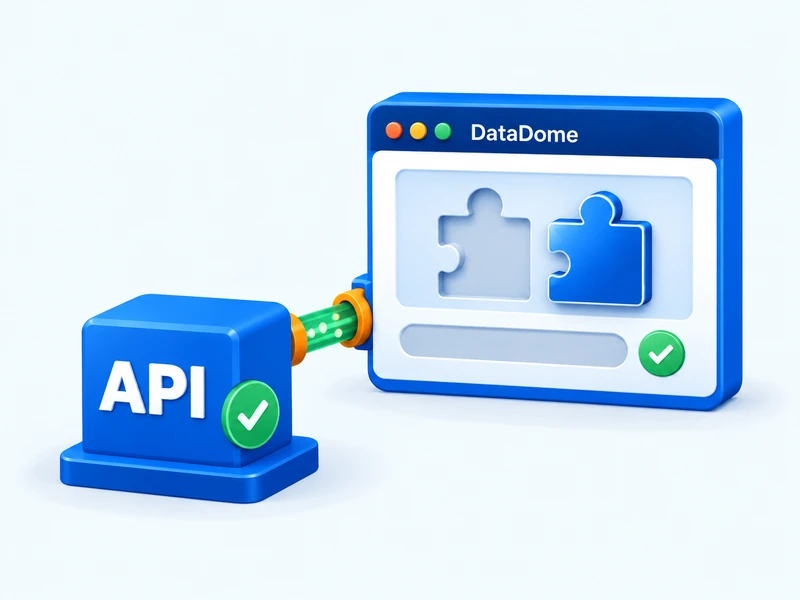
Scrapingbypass API supports compatible DataDome challenges. Treat that as a starting point for a target test, not a promise that every protected website or request will work.
Begin with a useful acceptance test
Choose one URL you are authorized to retrieve. Write down what a correct response must contain: a product identifier and name, an article heading and body, or an agreed JSON schema. A browser screenshot can help explain the problem, but it cannot replace a machine-readable acceptance test.
Keep the first test narrow. A successful home page request says little about a product endpoint that uses another access flow. If your application needs both pages, evaluate both before promising a complete integration.
Identify the obstacle before selecting the route
A visible slider or puzzle, a device check and a refusal page require different diagnoses. Capture the observed response and final URL, then ask whether the specific challenge is compatible. Do not infer a CAPTCHA solely from a 403 status, or assume that a solver result grants access to a resource your account cannot use.
Your test brief should contain the target, the intended read-only workflow, response characteristics and any required session continuity. Remove keys, proxy passwords and full cookie values. A precise brief lets support evaluate the actual access step rather than a vague request to unblock a domain.
Insert the API before your existing parser
Keep three responsibilities separate: retrieving a response, deciding whether it is valid, and extracting business fields. The API belongs in the retrieval layer. Your product parser can remain unchanged when the adapter returns the same input format it already expects.
Configure the endpoint, authentication and target parameters using the current API documentation and the confirmed integration mode. Do not copy a generic HTTP example and invent a DataDome endpoint or SDK method around it. Store credentials server-side, and give the retrieval operation an explicit timeout.
For a workflow that spans several related requests, define which context must remain consistent. A new request is not necessarily a continuation of the preceding one. Make this behavior part of your test, particularly when the next action is a detail page or an approved pagination step.
Measure records delivered, not requests sent
A completed response can still be unsuitable for extraction. Validate content identity before parsing, then validate the extracted fields before updating storage. Failed access should produce a diagnostic state, not an empty product that overwrites previously valid data.
In a small rollout, count expected-content responses, rejected responses and parser failures separately. Divide valid records by the planned records, not merely by HTTP responses. These measurements reveal whether the improvement reached the actual business task.
Make the next step concrete
Send Scrapingbypass support your authorized URL, the observed challenge and the output your application requires. Ask for the supported integration mode and how failed or repeated requests are billed. Expand only after the acceptance test passes, with bounded concurrency and retries.
Scrapingbypass is independent of DataDome. Use the workflow for permitted access, and stop when the target denies it. The practical value of an API integration is a clearer path from a compatible verification challenge to a validated business response, not a blanket guarantee of unrestricted access.