
Handle JS Challenge, Turnstile and WAF session checks while keeping your existing scraper and parser.
- JS Challenge · Turnstile
- Consistent sessions and request profiles


A DataDome CAPTCHA solver automates supported verification challenges. Start with a target URL to confirm compatibility with your workflow.
For developers and teams evaluating authorized data access, browser testing and monitoring. Understand the challenge first, then choose an API or browser integration.
URL testing starts with a compatibility review. Support depends on the target and challenge type.
Use documented authentication and session settings.
An HTTP 200 response can still contain a challenge page. Verify the content, not just the status code.
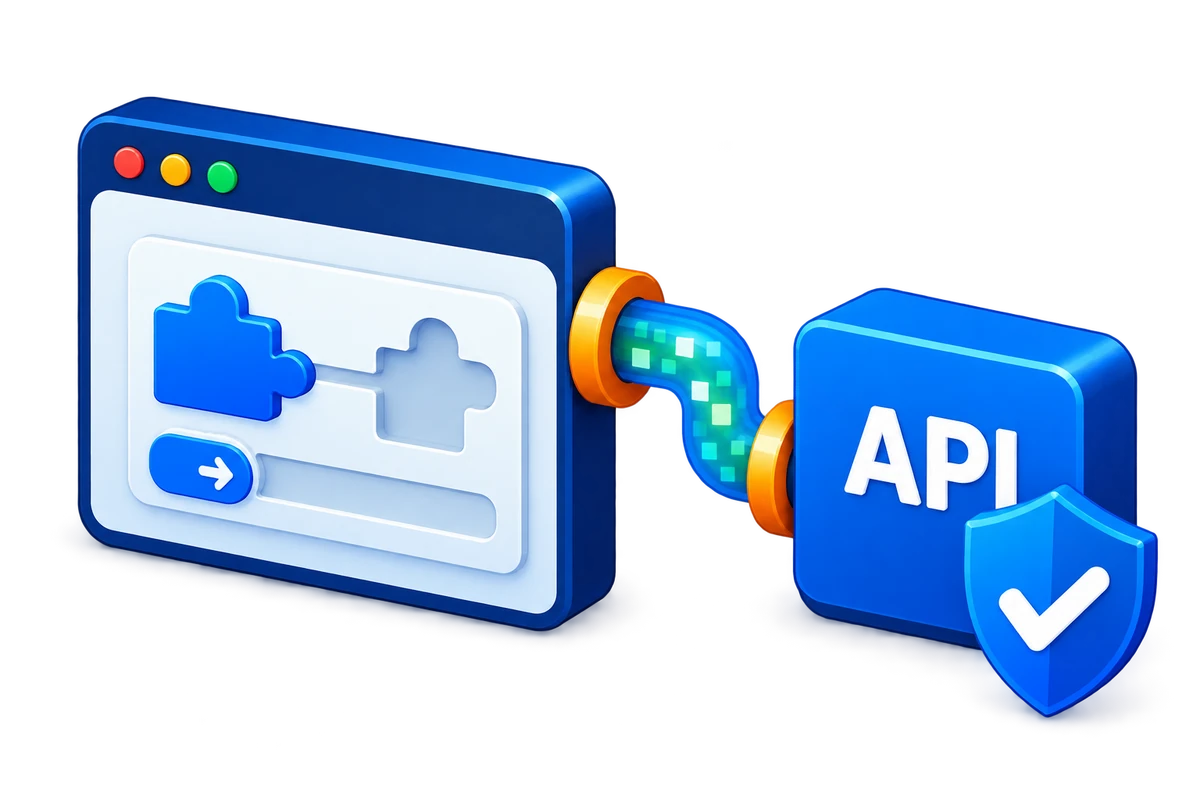
Challenge handling, proxy routing and AI tool integrations.
Handle JS Challenge, Turnstile and WAF session checks while keeping your existing scraper and parser.
Handle supported slider and puzzle challenges, keep sessions consistent and validate returned content.

Route through residential, datacenter or custom proxies. Match regions and keep IPs and sessions consistent.

Use the API in AI coding tools, terminal tasks and workflows. Choose the integration that fits your tool.
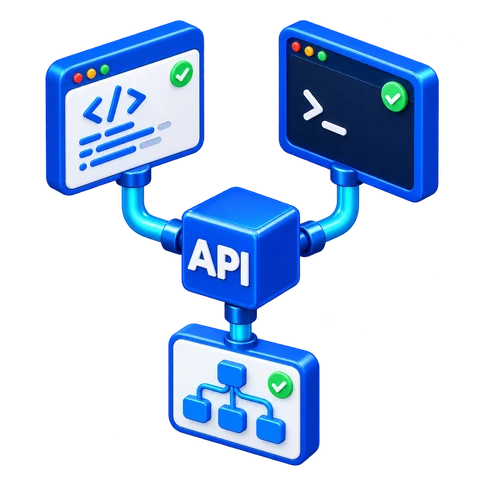
Set the target, parameters and proxy
Handle challenges and select the route
Check response status and content
Extract data with your existing parser

For authorized product, content and research collection, let the API handle supported DataDome challenges while you keep your pagination, parsing and data pipeline. Test a specific target before scaling.
V2(s) identifies DataDome challenges from the target response without an extra DataDome-specific detection header.
Automate verification on supported targets; test different challenge types and site policies individually.
Preserve target paths, query parameters and GET or POST requests with fewer changes to existing code.
Pass the response to your existing parser instead of rebuilding business-field extraction.
Configure cookies, Referer, custom headers and request bodies to match the business endpoint.
Cloudflare and DataDome share the same integration logic and credit balance for simpler management.
Keep your development stack and collection framework with standard HTTP requests. Official SDKs are available for Python, Node.js and Go; other languages can call the documented API directly.
Configure the API key, target and request parameters in your existing Python data-processing scripts.
Call the API from services or scheduled jobs while retaining your asynchronous processing logic.
Add API requests to Go services and use your business queue to schedule tasks and concurrency.
Test the target, API key and proxy with a minimal request before moving working parameters into code.
Send requests with your existing HTTP client without replacing the application framework.
Organize request parameters and response types in the HTTP client already used by your project.

Pagination and continuous access need a stable request context. With V2(s), combine Cookie or Part mode with a fixed or sticky proxy rather than changing the exit or browser parameters after verification.
Store the encrypted cookies returned by the API and send them with later requests in the same task.
Use x-cb-part to separate sessions while the API manages verification cookies for the target.
Use different Parts for independent tasks or threads to avoid mixing verification contexts.
Configure the required fixed or time-limited proxy for V2(s) and keep its IP stable within a session.
Bring custom routing through x-cb-proxy; proxy traffic and API credits are billed separately.
Configure x-cb-fp as documented and keep User-Agent, cookies and task context consistent.
When moving from a small test to batch jobs, plan task isolation, waiting time and credit usage together. The API supplies configuration and error information; your application remains in control of scheduling.
Schedule queues around plan limits and target load instead of launching every request at once.
Reuse a session for its own pagination and isolate independent jobs to avoid context interference.
Configure x-cb-timeout for the API version and the time your application can wait for a response.
Log returned error codes, messages and request IDs when verification fails to support diagnosis.
Check status, body and expected fields so a challenge page is not saved as collected content.
Successful requests use base credits; successful V2(s) challenges cost extra. Account for proxy traffic separately.

|
|
Monitor product listings, prices, stock, promotions and reviews across permitted retail sources. |
|
|
Track permitted ad creatives, landing-page changes and campaign signals for market research. |

|
|
Monitor permitted public posts, engagement and sentiment for social listening and trend analysis. |

|
|
Organize permitted media metadata and licensed assets into searchable reference libraries. |

|
|
Collect permitted publication updates, topic pages and release information for research and monitoring. |

|
|
Collect permitted market prices, historical records and timestamps for research, alerts and analytics. |

|
|
Monitor job listings, hiring demand, skills and salary ranges across permitted sources. |
|
|
Track permitted property listings, local businesses and pricing changes for regional market research. |

|
|
Monitor permitted fares, availability and policy updates with dates, currency and region preserved. |

|
|
Track permitted offers, discount changes and expiry dates for campaign comparisons. |
|
|
Monitor permitted schedules, container events and freight rates with shipment IDs and timestamps. |

|
|
Collect permitted public risk indicators and source evidence for review, scoring and alerts. |
Register a Scrapingbypass API account - Sign Up Now
Register a Scrapingbypass Proxy account - Sign Up Now
One account gives you API and proxy access. Log in within 30 days and open Trial Activity from the gift icon to claim trial credits and traffic.
Use the Code Generator to configure and test Cloudflare or DataDome requests. Both use the same integration logic and request code. Keep the proxy IP, cookies and session consistent.
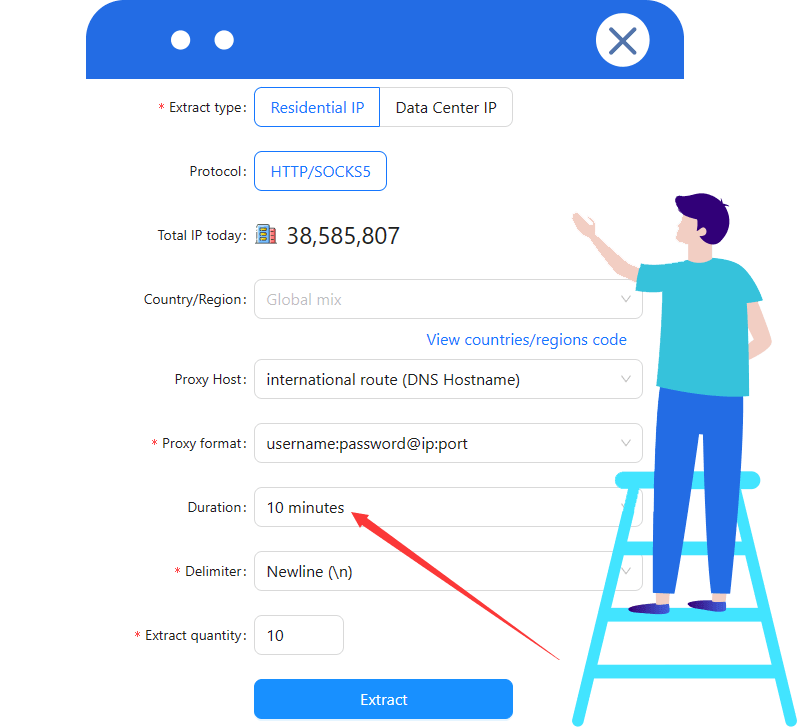
V1 includes a rotating proxy. V2(s) requires a stable proxy IP; configure a sticky session of at least 10 minutes when using Scrapingbypass rotating proxies.
For assistance, see the API documentation or contact Scrapingbypass Support.
Integrate your tested request code into the application. Cloudflare and DataDome share the same API integration and call pattern. Validate response status and content before parsing, pagination or automation.
After testing, choose a plan based on your usage. Cloudflare and DataDome share the same API credits, consumption rules and pricing. View Pricing
For proxy traffic, select a Rotating Datacenter or Rotating Residential proxy plan.
Cloudflare and DataDome challenge handling consume API credits; some workflows also need a proxy. API credits and proxy traffic are billed separately. A proxy connection does not replace CAPTCHA handling.
A solver automates supported CAPTCHA challenges within an access workflow. It is not a guarantee that every protected page can be accessed. Confirm the target and challenge type before choosing an integration.
Do not assume universal support. Slider CAPTCHA, Device Check and block pages represent different situations. Share your target URL and observed response with support to confirm compatibility.
Slider CAPTCHA: A visible puzzle or slider asks the visitor to complete a verification. Confirm that the specific challenge is supported before integrating.
Device Check: A separate device verification mechanism evaluates the browser environment. It is not simply another slider puzzle.
Blocked request: A block page or HTTP error needs diagnosis. A CAPTCHA solver does not automatically resolve access restrictions or site policy decisions.
Use standard HTTP requests and the same integration logic and request code for Cloudflare and DataDome, without replacing your scraper framework. Keep the proxy IP, cookies and session consistent and validate response status and content. Confirm the supported browser or proxy mode for Playwright and keep its session consistent. This page is a workflow guide, not a runnable SDK.
Review the response, session changes, cookies, User-Agent and access policy. A 403 status alone does not identify the cause. Record the request ID if available, use bounded retries, and stop when the target denies access.
Cloudflare and DataDome share one API credit balance, consumption rules and pricing. Choose a plan based on your usage; proxy traffic is billed separately. Support for a specific target still depends on the site and challenge type. Test compatibility first; a shared plan does not guarantee access to every target.
V1 and V2(s) consume 1 API credit for each successful request.
When V2(s) successfully completes a verification challenge, it consumes 2 additional credits. This covers supported Cloudflare JS Challenge, Cloudflare Turnstile, DataDome and Incapsula challenges.
An unsuccessful request does not consume the base request credit. However, the 2 challenge credits are deducted as soon as verification succeeds and are not refunded if the subsequent response fails.
Credit consumption rulesNo. Scrapingbypass is an independent service and is not affiliated with or endorsed by DataDome. Only use integrations for websites and workflows you are authorized to access.
Inspect the response status, content type and body before retrying. Check the approved proxy IP, cookies and session context. Log the request ID when available, use bounded retries and return a diagnostic if the target is unsupported or access is denied. See the DataDome troubleshooting workflow.


Scrapingbypass API significantly improved our data extraction efficiency, especially for websites protected by Cloudflare. The API is straightforward, easy to integrate, and saved us countless hours dealing with anti-bot restrictions.
Since adopting Scrapingbypass API, bypassing Cloudflare challenges has become effortless. It handles captchas reliably and allows uninterrupted access to the data pipelines we depend on.
Scrapingbypass simplified our web data collection workflow by automatically handling complex Cloudflare verifications. It's fast, stable, and extremely reliable in production environments.
As a market analyst working with large-scale web sources, avoiding 403 errors is critical. Scrapingbypass API ensures consistent access to protected pages and delivers clean, usable data.
Scrapingbypass makes bypassing Cloudflare protection simple. The documentation is clear, the API behavior is predictable, and integration was completed in minutes. Highly recommended for developers.
I was initially skeptical, but Scrapingbypass exceeded expectations. It consistently bypasses Cloudflare human verification and has become a core component of our data infrastructure.

A visible puzzle or slider asks the visitor to complete a verification. Confirm that the specific challenge is supported before integrating.
View More
A separate device verification mechanism evaluates the browser environment. It is not simply another slider puzzle.
View More
Explore API integration tutorials, code examples and common questions covering request configuration, sessions and response validation.
View More

