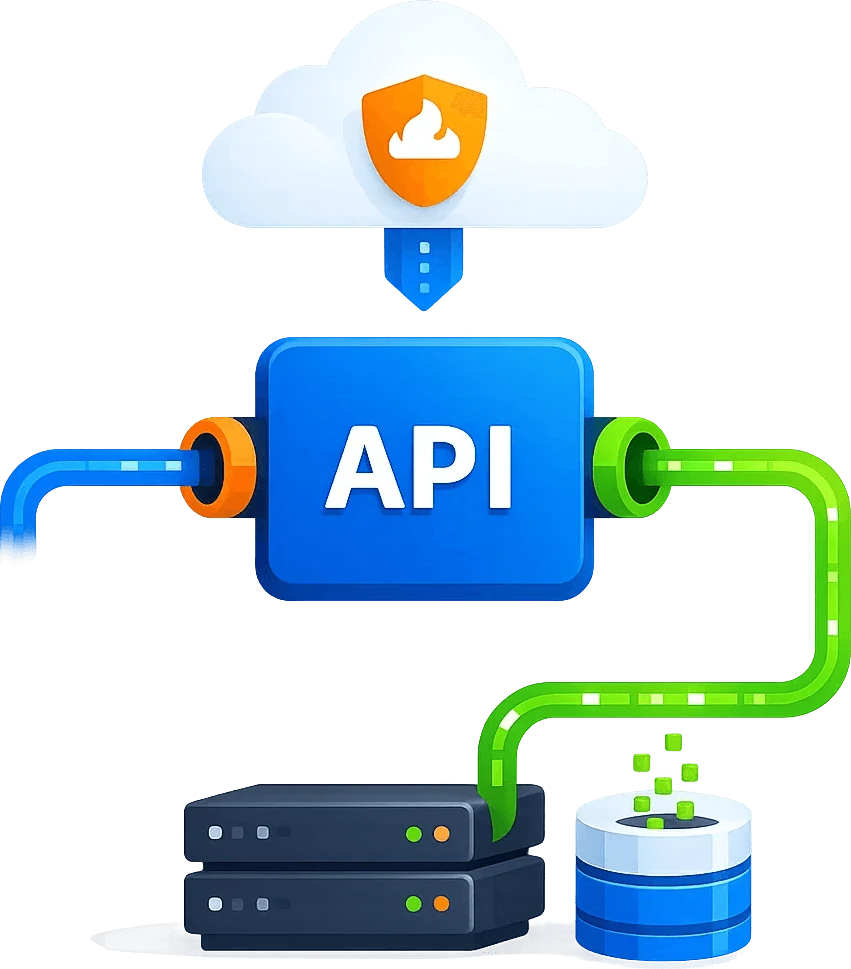
E-commerce data collection with Cloudflare and DataDome workflows
Keep product monitoring, price intelligence and competitor research moving when verification interrupts collection. Scrapingbypass handles Cloudflare JS Challenge and Turnstile; its DataDome CAPTCHA solver API workflow covers supported DataDome targets after compatibility checks. Combine regional access and session control with validation of product IDs, prices and stock before updating your retail dataset.
Start Free Trial API DOCs Code generator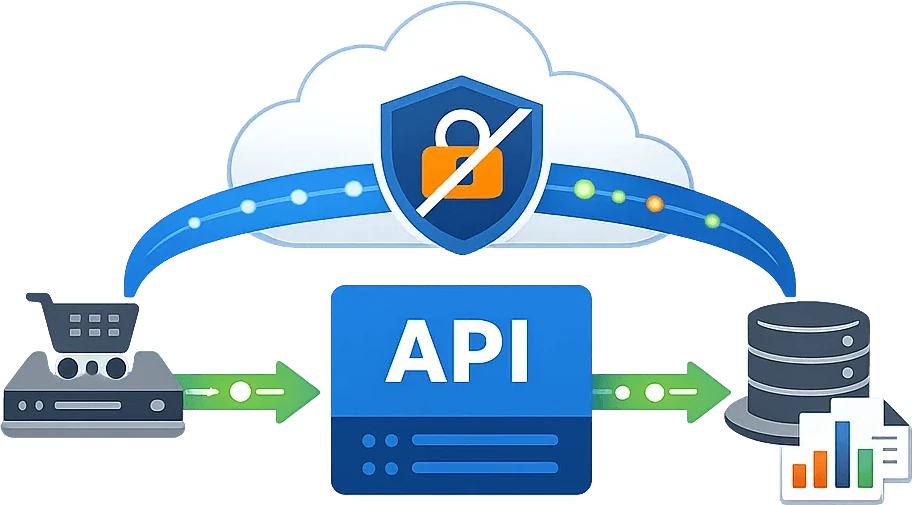
Why E-commerce Retail Data Scraping Is So Hard
Why Is E-commerce Retail Web Scraping Always Unstable?
E-commerce sites keep upgrading their anti-bot defenses, and scraping pipelines often get stuck on verification flows, bot detection, rate limiting, or IP bans. This leads to missing data, delayed updates, and inconsistent results - making it difficult to run long-term analytics and automation reliably at scale.
-
Cloudflare Challenges Trigger Frequently
Cloudflare's JS challenge and Turnstile CAPTCHA can block requests and reduce scraping success rates.
-
Success Rate Drops Under High Concurrency
As request volume increases, rate limits and bans become more aggressive - causing data gaps and inaccurate monitoring results.
-
Every Layout Change Means More Maintenance
Front-end structures and anti-bot rules change often, forcing repeated parsing and adaptation work that drains engineering time.
-
Scraping Costs Are Hard to Control
Browser-rendering approaches are resource-heavy, and bandwidth plus compute costs can spike quickly as you scale.
Technical Support Contact

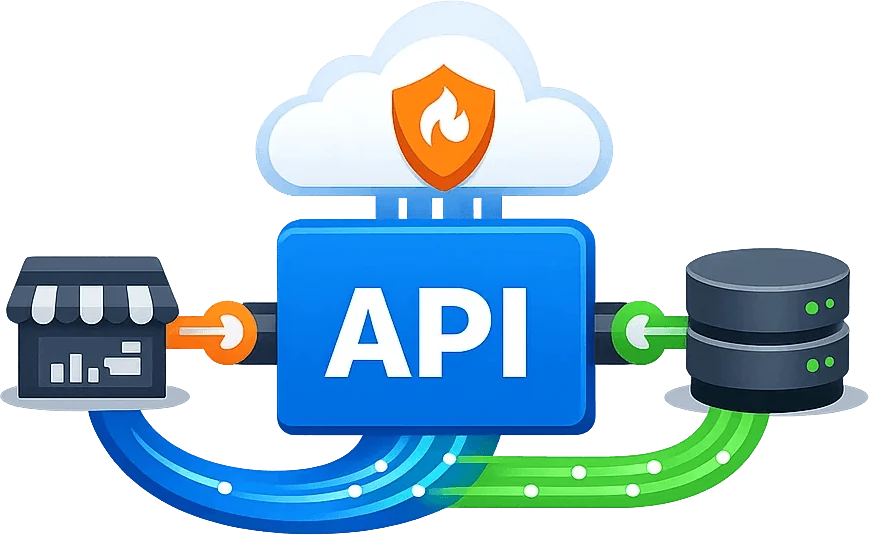
Boost E-commerce & Retail Web Data Collection Stability and Speed with Scrapingbypass API
Route Cloudflare challenges and supported DataDome CAPTCHA flows through the access layer, then check product fields before storage. This keeps challenge responses out of price comparisons and avoids treating a blocked fetch as an inventory change.
-
Bypass Cloudflare JS Challenge
Automatically handles Cloudflare 5-second shields and JS Challenges, then returns the unlocked HTML source code directly.
-
Flexible, Fully Controllable Parameters
Supports request settings like User-Agent, Referer, and Cookies - making requests look more human and better aligned with your data strategy.
-
Turnstile Support
Reduces manual intervention for Turnstile and other verification flows, keeping your scraping pipeline continuous and reliable.
-
More Stable at High Concurrency
Optimized for large-scale scraping with fewer blocks, fewer retries, and better real-time data freshness.


Use Cases
Built for E-commerce & Retail Web Data Collection That Requires Bypassing Cloudflare and Similar Anti-Bot Protections
E-commerce Price Monitoring & Alerts
Track pricing for the same product across platforms and sellers. Capture price drops, increases, and post-coupon changes with scheduled scraping and anomaly alerts - ideal for competitor benchmarking and dynamic pricing strategies.
Ranking Lists & Trend Tracking
Monitor category rankings, best-seller lists, and new-arrival trends to spot breakout products early and detect declines. Supports hourly or daily updates to power product selection and content operations.
Competitor Store Operations Monitoring
Track competitor launch frequency, campaign timing, and featured SKU changes. Reveal operational moves and product positioning shifts - useful for brand teams and sellers to run competitive analysis and strategy reviews.
Reviews, Reputation & Negative Feedback Analysis
Collect review content and rating changes at scale to identify complaint patterns, keyword trends, and after-sales risks. Supports sentiment analysis and issue clustering to improve products and customer support decisions.
Campaign Landing Pages & Promotion Tracking
Track major campaign hubs, limited-time discounts, and promo entry changes. Discover hidden deals and policy updates faster - supporting affiliate recommendations and ad spend decisions with verifiable, real-time data.
Search Results & Visibility Research
Scrape search-page exposure and ranking shifts to validate keyword strategy and track ad-slot share. Ideal for SEO and on-site search optimization, improving traffic insights and conversion-focused operations.
Scrapingbypass Onboarding Workflow
1.Create Your Account
Register a Scrapingbypass API account - Sign Up Now
Register a Scrapingbypass Proxy account - Sign Up Now
One account gives you API and proxy access. Log in within 30 days and open Trial Activity from the gift icon to claim trial credits and traffic.
2.Test with the Code Generator
Use the Code Generator to configure and test Cloudflare or DataDome requests. Both use the same integration logic and request code. Keep the proxy IP, cookies and session consistent.
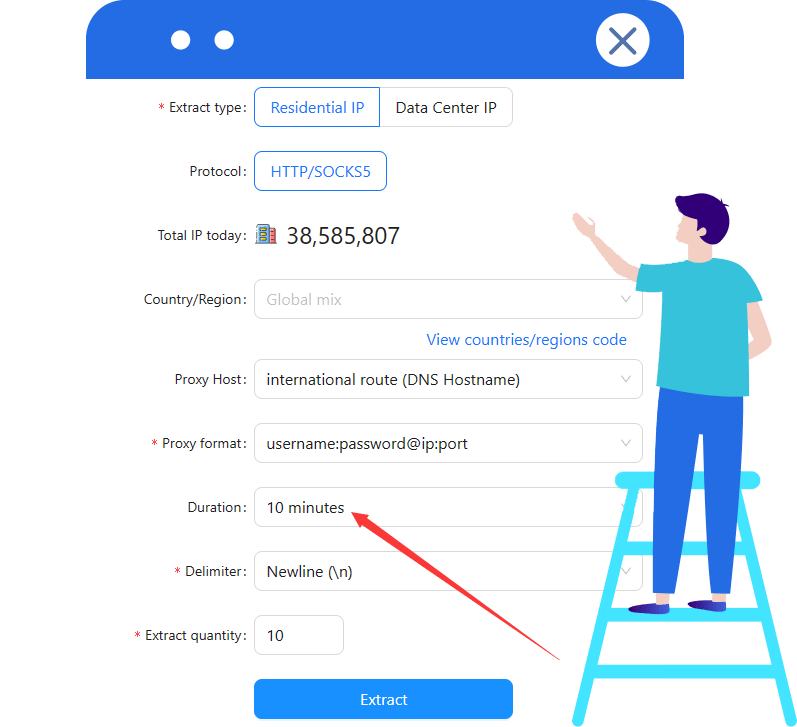
V1 includes a rotating proxy. V2(s) requires a stable proxy IP; configure a sticky session of at least 10 minutes when using Scrapingbypass rotating proxies.
For assistance, see the API documentation or contact Scrapingbypass Support.
3.Integrate the Scrapingbypass API
Integrate your tested request code into the application. Cloudflare and DataDome share the same API integration and call pattern. Validate response status and content before parsing, pagination or automation.
4.Select a Pricing Plan
After testing, choose a plan based on your usage. Cloudflare and DataDome share the same API credits, consumption rules and pricing. View Pricing
For proxy traffic, select a Rotating Datacenter or Rotating Residential proxy plan.
Cloudflare and DataDome challenge handling consume API credits; some workflows also need a proxy. API credits and proxy traffic are billed separately. A proxy connection does not replace CAPTCHA handling.

Scrapingbypass API Pricing
Test target compatibility, then choose an API plan for your workload
Each successful request costs 1 credit. Successful V2(s) verification costs 2 extra credits, not refunded if the later response fails. Proxy traffic is billed separately.
Basic Plan
-
$49
-
Credits:80000Validity:30 DaysSpeed:20 req/s
Standard Plan
-
$79
-
Credits:300000Validity:30 DaysSpeed:20 req/s
Advanced Plan
-
$129
-
Credits:1000000Validity:30 DaysSpeed:25 req/s
Pro Plan
-
$259
-
Credits:2200000Validity:30 DaysSpeed:25 req/s
Premium Plan
-
$489
-
Credits:4600000Validity:30 DaysSpeed:30 req/s
-
Best Value
Ultimate Plan
-
$1056
-
Credits:12000000Validity:30 DaysSpeed:30 req/s
Need more credits than the standard plans provide? Get a custom plan tailored to your workload Unlimited credits / Dedicated servers / Higher concurrency / Priority technical support
Contact Us for a Custom Plan Buy Rotating IPsFAQFrequently Asked Questions
Why do eCommerce retail scraping projects often get stuck on Cloudflare?
Many eCommerce sites enable Cloudflare protections like the 5-second check, JavaScript Challenge, or Turnstile to block suspicious traffic. Typical symptoms include being redirected to a verification page or getting blocked outright - resulting in failed crawls and missing data.
Which Cloudflare challenges can Scrapingbypass API reliably solve?
Scrapingbypass API reliably handles Cloudflare's 5-second check (JavaScript Challenge), JS Challenge, and Turnstile. It then returns the unlocked page HTML directly, making it easy for you to parse and store the data in your pipeline.
After passing the challenge, do you return a rendered page or the raw HTML?
In most cases, we return the target page's HTML source. You can parse and extract structured data just like a normal webpage - perfect for automated eCommerce retail scraping workflows.
How can I improve success rate and stability for high-concurrency eCommerce scraping?
A proven approach is "single entry point + task splitting + retries + rate limiting." Scrapingbypass API boosts your pass rate at the challenge layer, reducing wasted retries and minimizing performance spikes under load.
Do I need to rebuild my crawler to integrate Scrapingbypass API?
Usually not. Just send the target URL through the API and you'll receive the unlocked page response. It's also easy to integrate with cURL, Python, Node.js, Go, and other common stacks.
What kinds of eCommerce retail scraping tasks work best with Scrapingbypass API?
It's ideal for long-running, reliability-critical jobs like price monitoring, best-seller tracking, competitor store monitoring, campaign/landing page tracking, and review analysis - especially on platforms where Cloudflare challenges trigger frequently.