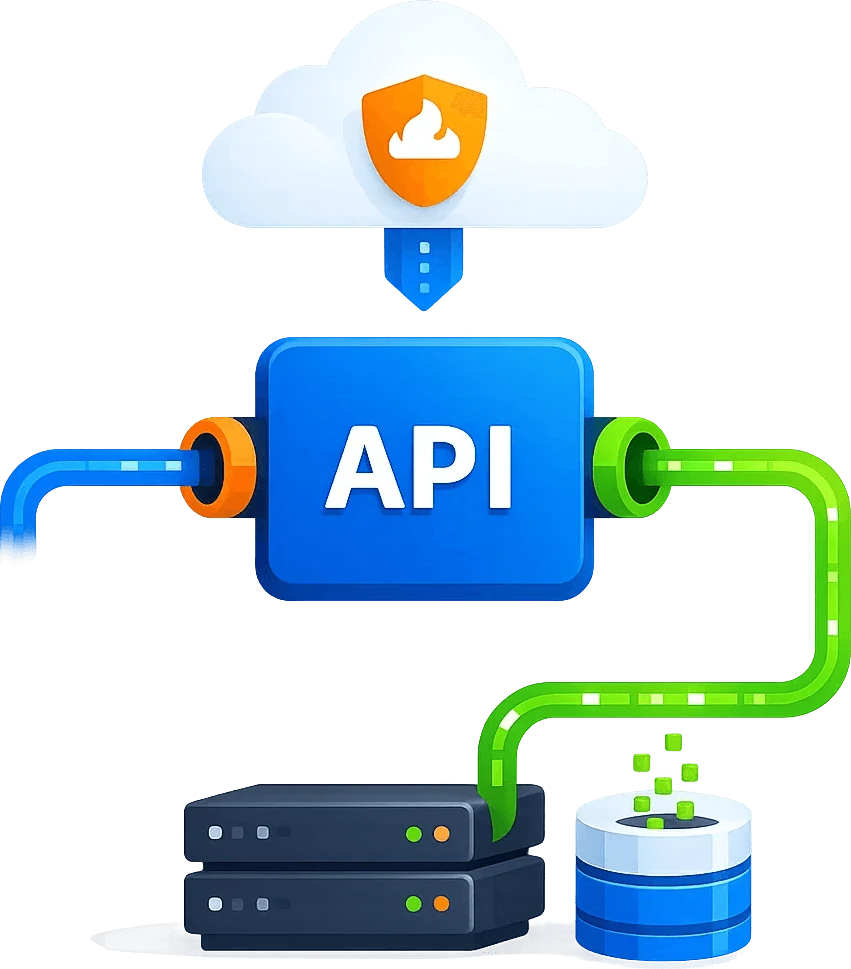
Scraping API Pricing and Proxy Cost Calculator
Choose an integration
The API handles HTTP requests and responses. Browser rendering, screenshots, extraction, pagination and storage belong to your own tools or project workflow.
Prepare the runtime
Keep tool approvals enabled. Never put credentials in chat or browser code.
- requests
- —
- API credits
- —
- proxy bytes
- —
Example not executed. Configure credentials and an authorized target first.
Inspect x-cb-status, HTTP status and actual business content after the request.Why Scrapingbypass
Estimate API credits, proxy traffic and retry cost before scaling
Use this calculator page to plan scraping API pricing and proxy traffic before production. It focuses on daily request volume, average page size, target regions, concurrency, retry ratio, JavaScript rendering, screenshots and the difference between API mode and proxy mode.
Configure sessions for the task
Check the region, proxy IP and request settings, and keep the session consistent with the target’s requirements.
Validate the response
Check both the status code and response body before passing the result to your existing parser.
API credits and proxy traffic will appear here.
Request estimate
Estimate API usage from daily URL count.
Proxy traffic
Estimate traffic from page size, country, and retry.
Plan guidance
Choose API, Proxy, or a hybrid setup.
Budget reference
Support testing, launch, scale, and purchasing.
API / Proxy / Browser
Manage regional access, sessions and screenshots in one layer
Move challenge handling, dynamic pages, proxy exits, retry logic, and logs out of business scripts and into a reusable web access layer.
STEP 01
Request estimate
Estimate API usage from daily URL count.
STEP 02
Proxy traffic
Estimate traffic from page size, country, and retry.
STEP 03
Plan guidance
Choose API, Proxy, or a hybrid setup.
STEP 04
Budget reference
Support testing, launch, scale, and purchasing.
Use cases
Representative business scenarios
From one-off validation to long-running monitoring, combine capabilities by page complexity and output requirements.
Existing crawler integration
Keep current collection logic and move access stability into the Scrapingbypass layer.
Browser automation
Add proxy, session, screenshot, and retry capabilities to Playwright, Selenium, and Puppeteer.
Geo access verification
Validate pages, ads, search results, and redirects by country and language.
Long-term monitoring
Track availability with logs, screenshots, status codes, and retry rules.
Budget estimation
Estimate launch cost by requests, traffic, screenshots, rendering, and retries.

Integration steps
Connect the Scrapingbypass access layer in 4 steps
Validate one high-value page first, then expand into scheduled workflows, batch collection, or monitoring systems.
01. Define target access
Confirm URLs, regions, frequency, output format, and workflow scope.
02. Choose access strategy
Pick API, rendering, screenshots, dynamic IPs, sticky sessions, and retry rules. Cloudflare and DataDome share the same API integration logic and request code.
03. Connect business systems
Send results to crawlers, AI agents, workflows, QA, or internal monitoring. Integrate your tested request code into the application. Cloudflare and DataDome share the same API integration and call pattern. Validate response status and content before parsing, pagination or automation.
04. Review logs and optimize
Use status codes, failure reasons, screenshots, and logs to improve stability. Cloudflare and DataDome share one API credit balance, consumption rules and pricing. Choose a plan based on your usage; proxy traffic is billed separately.
FAQ
Frequently asked questions
How is it different from a normal proxy?
A normal proxy mainly provides an exit. Scrapingbypass also covers challenge handling, geo context, dynamic pages, screenshots, structured output, retries, and logs.
Can existing crawlers use it?
Yes. Existing crawlers can connect through Proxy mode, while complex pages can be handled through API mode.
Does it support geo exits?
Yes. Tasks can be organized by country, language, device, and exit region for SEO, ads verification, and geo monitoring.